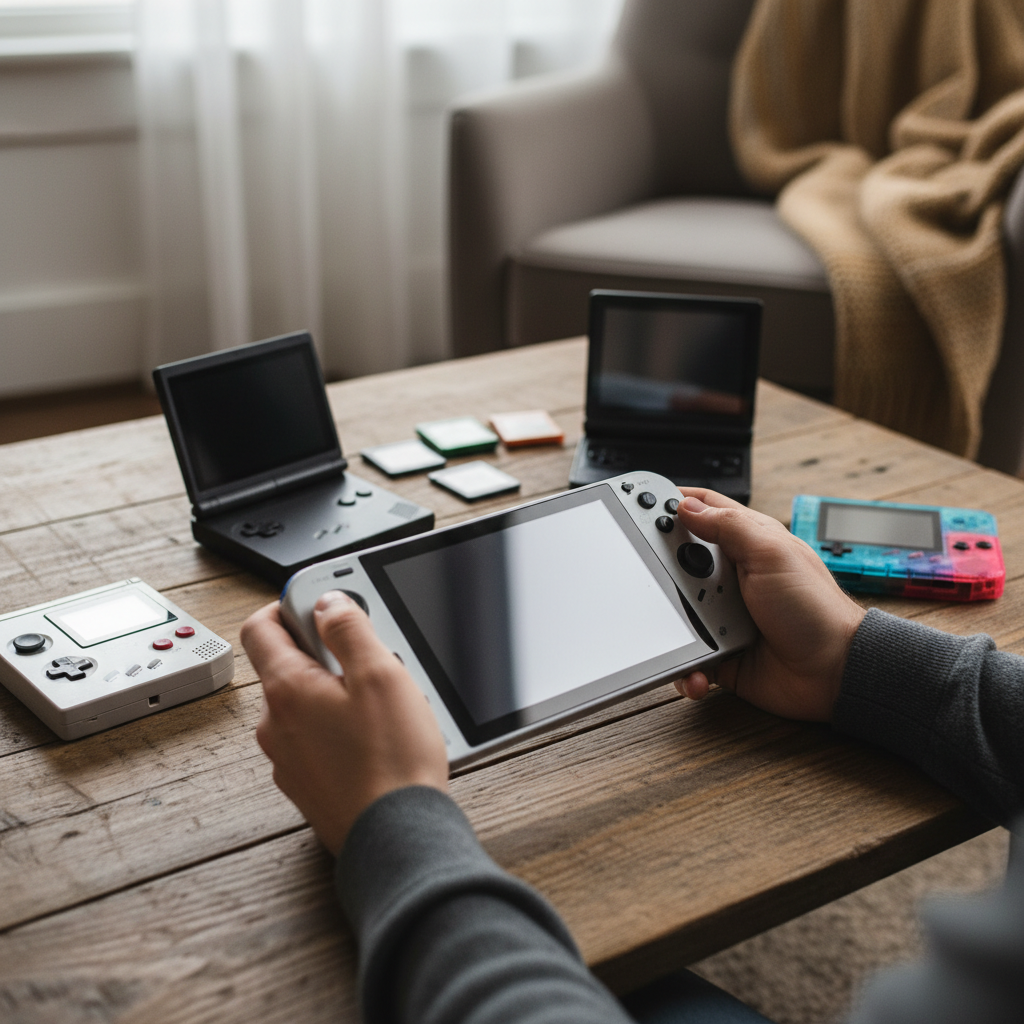
Stepping into college dorm life often means navigating smaller spaces, a tighter budget, and the need for flexible entertainment. For many students, a gaming handheld offers the perfect escape and a way to connect with friends, without the bulk or cost of a full gaming PC. These portable powerhouses have evolved significantly, now capable of running everything from retro classics to demanding AAA titles. This guide will help you understand the world of handheld gaming consoles and select the ideal device to enhance your college experience.
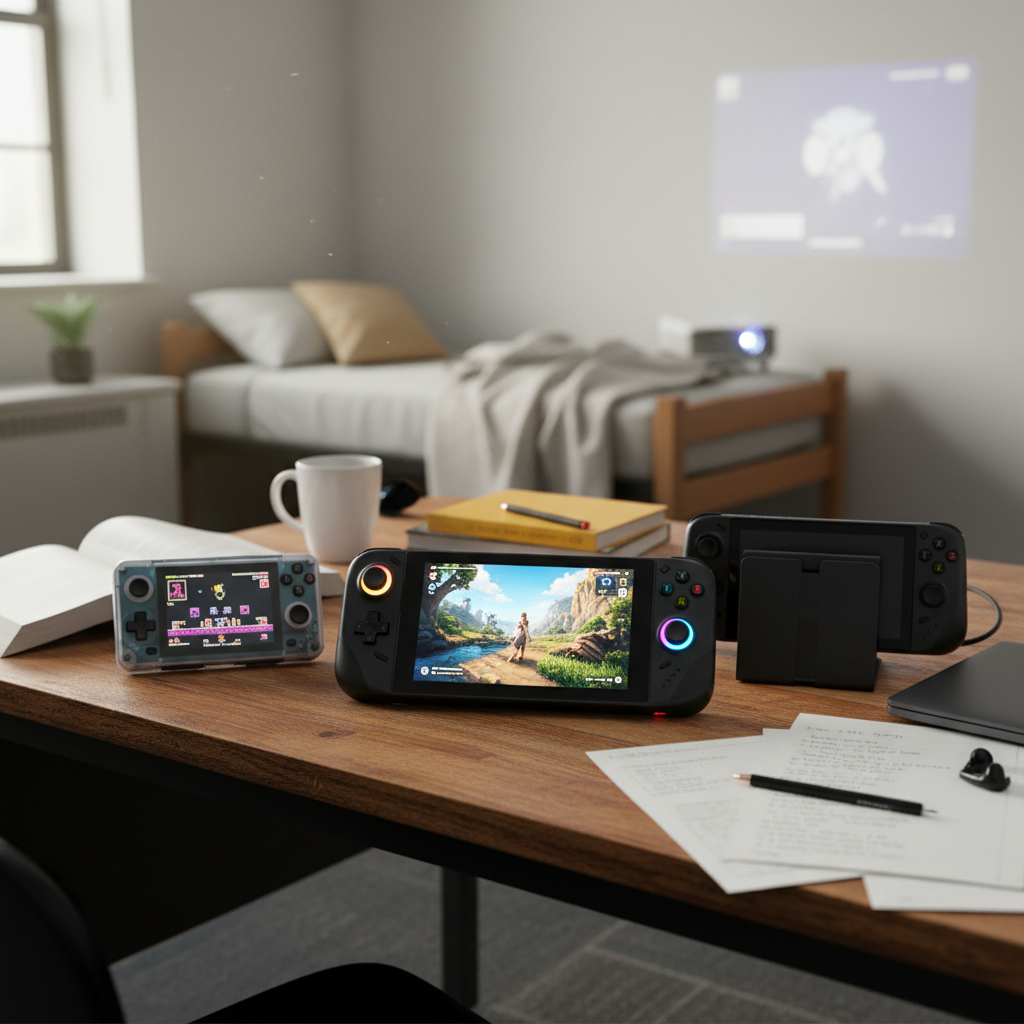
What is a Handheld Game Console?
A handheld game console is a compact, portable electronic device designed primarily for playing video games. Unlike smartphones or tablets, which offer gaming as one of many functionalities, handheld consoles are built with dedicated gaming controls and optimized hardware for a specialized gaming experience. Their history traces back to simple electronic games, evolving through iconic devices like the Game Boy and PSP, to today’s powerful machines that can rival traditional home consoles in graphics and performance. They differentiate themselves by offering physical controls, game libraries curated for dedicated gaming, and often a focus on ergonomic design for extended play sessions.
Why Choose a Handheld Game Console for College?
For college students, handheld game consoles offer a unique blend of advantages and some considerations to keep in mind.
Advantages:
- Portability and Convenience: Dorm rooms are often small and shared, making bulky gaming setups impractical. Handheld consoles are designed for on-the-go use, easily fitting into a backpack for gaming between classes, in the library, or during study breaks. Their lightweight and compact nature make them ideal for moving between different campus locations or even just shifting from a desk to a bed.
- Dedicated Gaming Experience: Unlike multi-purpose devices, handhelds provide a focused gaming environment with physical controls that offer precision and immersion. They remove distractions from notifications that often plague smartphone gaming.
- Social Aspects: Devices like the Nintendo Switch excel in local multiplayer, allowing students to easily connect with roommates and friends for impromptu gaming sessions in shared spaces. Many modern handhelds also support online multiplayer, combating loneliness and fostering connections.
- Space-Saving: These devices take up minimal space, which is a major benefit in cramped dorm rooms. Some PC-based handhelds can even double as a compact computer when connected to a monitor and peripherals, maximizing utility in a small footprint.
- Escape and Stress Relief: College life can be demanding. Handheld gaming offers a quick and accessible way to unwind, destress, and immerse oneself in a different world for short bursts or longer sessions, providing a crucial mental break from academic pressures.
|
Our Picks for the Best Handheld game console in 2026
As an Amazon Associate I earn from qualifying purchases.
|
||
| Num | Product | Action |
|---|---|---|
| 1 | ASUS ROG Xbox Ally – 7” 1080p 120Hz Touchscreen Gaming Handheld, 3-month Xbox Game Pass Premium included, AMD Ryzen Z2 A, 16GB RAM, 512GB SSD, White |

|
| 2 | R36MAX Retro Handheld Game Console, 4.0 Inch 720x720 IPS Screen, 64GB Built-in 18,000+ Classic Game, Portable Hand Held Open Source Linux System, 4000mAh Battery Retro Gaming Console(Black 64GB) |
|
| 3 | RG56PRO Retro Handheld Game Console - 5.5 Inch IPS Screen,31000+ Classic 3D Games,5000mAh Battery, Open Linux System,Portable Console with 128G TF Card - Birthday Gift for Boyfriend (Black) |
|
| 4 | 32 Bit Handheld Games for Kids Preloaded 139 Video Games, Portable Video Gaming Player with 3.0" IPS Screen and Rechargeable Battery, Mini Travel Games Electronic Gifts Toys for Boys Girls, Blue |
|
| 5 | R36MAX Retro Handheld Game Console, 4.0 Inch 720x720 IPS Screen, 64GB Built-in 18,000+ Classic Game, Portable Hand Held Open Source Linux System, 4000mAh Battery Retro Gaming Console(White 64GB) |
|
| 6 | Handheld Game for Kids -Preloaded 220 Retro Video Games, Portable Gaming Player with Rechargeable Battery 3.0" LCD Screen, Mini Arcade Electronic Toy Gifts for Boys Girls (Red) |
|
| 7 | R36MAX Handheld Game Console - 4.0-Inch Screen, Support 22000+Classic Games,128G TF Card,Portable Console with Open Source System,4000mAh Battery,Birthday Gift for Adult or Partner - Black |
|
| 8 | Handheld Game for Kids -Preloaded 220 Retro Video Games, Portable Gaming Player with Rechargeable Battery 3.0" LCD Screen, Mini Arcade Electronic Toy Gifts for Boys Girls (Blue) |
|
| 9 | Retro Handheld Game Console of Boy Portable Hand Held Video Games X9 Preloaded Wireless Juegos para Niños Stick TV Pixel Gaming for Kids Sf3000 Plug 'n' Play Drive Systems De Juegos Portátil |
|
| 10 | R36MAX Retro Handheld Game Console, 4.0 Inch IPS HD Screen Portable Retro Gaming Console, 1.5GHz CPU Support 30+ Emulator Console Video Game Console, 4000mAh Battery (64GB Black) |
|
Disadvantages:
- Potential High Cost: While budget options exist, high-end handheld gaming PCs can be as expensive as, or even more costly than, some gaming laptops or home consoles.
- Performance Limitations: Although modern handhelds are powerful, their performance can still be limited compared to high-end gaming PCs or even full-sized consoles, especially when running the most graphically demanding AAA titles at peak settings.
- Battery Life Management: Portability comes with the trade-off of battery reliance. Intensive gaming can quickly drain batteries, requiring frequent charging or the use of portable power banks.
- Versatility for Other Tasks: While some PC handhelds can function like mini-laptops, they generally aren’t as seamless or efficient for productivity tasks like writing papers or complex coding as a dedicated laptop with a built-in keyboard and trackpad.
Popular Handheld Game Consoles for College Students
The handheld gaming market currently offers a diverse range of devices, each with unique strengths. For college students, the choice often comes down to a balance of performance, game library, portability, and budget.
Nintendo Switch 2 / Nintendo Switch OLED / Nintendo Switch Lite
The Nintendo Switch family remains a top contender, celebrated for its unique hybrid design and extensive game library.
- Nintendo Switch 2: The latest iteration, offering significant upgrades like 4K output in docked mode, 1080p at 120Hz in handheld mode, a crisp 7.9-inch LCD display, and more comfortable Joy-Con 2 controllers with new features. It boasts excellent backwards compatibility, with some older titles receiving performance boosts or paid upgrades.
- Nintendo Switch OLED: Still a solid option, featuring a vibrant 7-inch OLED screen, improved kickstand, and enhanced audio. It offers a premium handheld experience, though it has been largely superseded by the Switch 2 in terms of raw power.
- Nintendo Switch Lite: The most budget-friendly and compact option, designed exclusively for handheld play. It’s lighter, more durable, and comes in attractive colors, making it excellent for portability and ideal for younger students or those on a very tight budget, though it cannot connect to a TV.
Pros: Unrivaled library of exclusive games (Mario, Zelda, Pokémon), excellent for social/local multiplayer with detachable Joy-Cons (except Lite), versatile hybrid design (Switch 2/OLED) allows seamless transition between handheld and TV mode, and great for casual and family-friendly gaming.
Cons: Games often remain at full price for longer, less powerful than PC handhelds for graphically demanding third-party titles, and the Switch 2’s battery life can be lackluster for intense gaming.
Steam Deck OLED
Valve’s Steam Deck revolutionized PC gaming on the go, offering access to a massive library of PC titles.
- Steam Deck OLED: An upgraded version with a larger, brighter, and more vibrant 7.4-inch OLED display, improved battery life, and enhanced ergonomics. It runs on SteamOS, a Linux-based operating system optimized for handheld use, and features Proton compatibility for a wide range of Windows games.
Pros: Access to a colossal Steam library with frequent sales and generally cheaper games than console counterparts, comfortable ergonomics, and an open ecosystem allowing for tinkering and emulation. It’s often considered the best value for portable PC gaming.
Cons: Can be bulky compared to the Switch, some games may require tweaking to run optimally (especially non-Steam games), and Windows-based PC handhelds often offer more raw power for the latest AAA games.
Asus ROG Ally X / Asus ROG Ally
These Windows-based handhelds are known for their raw power and compatibility with a vast array of PC games, including Xbox Game Pass titles.
- Asus ROG Ally X: Positioned as a premier Windows 11 handheld, featuring an AMD Z2 Extreme CPU, 24GB RAM, and a 1TB NVMe SSD. It boasts excellent gaming performance and a new Xbox Full Screen Experience UI designed to make Windows more controller-friendly.
- Asus ROG Ally: The original model, still a powerful option for Windows gaming on the go.
Pros: Full Windows 11 compatibility means access to virtually any PC game launcher (Steam, Epic, Xbox Game Pass, GOG), superior raw performance for many AAA titles compared to the Switch or even some Steam Deck configurations, and a 120Hz display for smoother gameplay.
Cons: Windows OS can introduce “friction” with updates and driver management, potentially shorter battery life than Steam Deck OLED for demanding games, and a higher price point.
Lenovo Legion Go S / Legion Go 2
Lenovo’s offerings stand out with their larger screens and unique features.
- Lenovo Legion Go S (Z1 Extreme, SteamOS): A powerful Steam Deck alternative with a larger display (often 8.8-inch), detachable controllers, and excellent performance, especially with SteamOS.
- Lenovo Legion Go 2: A premium Windows 11 handheld featuring a gorgeous OLED display, powerful AMD Z2 Extreme chip, and detachable controllers that enhance versatility, making it function almost like a tablet or mini-PC.
Pros: Often features larger displays (up to 8.8 inches) for a more immersive view, detachable controllers allow for flexible play modes (tabletop, using like a tablet), powerful AMD processors for demanding games, and a built-in kickstand (Legion Go) is excellent for dorm desks.
Cons: Can be very large and heavy, making it less pocketable than other handhelds, and the Windows versions may share the same OS “friction” as the ROG Ally. The higher-end models can be quite expensive.
Other Noteworthy Options
- Budget/Retro Handhelds (e.g., Anbernic RG40XXV, Retroid Pocket 5, Super Pocket): These devices are significantly more affordable and primarily cater to retro game emulation and indie titles. They offer a great entry point for casual gaming or those with a love for classics.
- PlayStation Portal: A unique device solely for remote play from a PS5. It’s an excellent option for PS5 owners who want to play their console games in another room, but it cannot play games natively and requires a constant internet connection.
Comparing Handheld Game Consoles for Dorm Life
To help you decide, here’s a comparison of key handheld game consoles relevant for college students:
| Feature | Nintendo Switch 2 | Steam Deck OLED | Asus ROG Ally X | Lenovo Legion Go S (SteamOS) |
|---|---|---|---|---|
| Price (approx.) | $450 | $549 (512GB) – $649 (1TB) | $999 | $829 |
| CPU | Octa-core ARM Cortex-A78C | Custom AMD Zen 2 (4-core, 8-thread) | AMD Z2 Extreme | AMD Z1 Extreme |
| GPU | Custom Nvidia Ampere | 8-core AMD RDNA 2 | AMD Z2 Extreme | AMD Z1 Extreme |
| RAM | 12GB | 16GB LPDDR5 | 24GB LPDDR5X | 32GB LPDDR5 |
| Storage | 256GB (microSD Express slot) | 512GB / 1TB (microSD slot) | 1TB NVMe SSD (M.2 2280 slot) | 1TB NVMe SSD (microSD slot) |
| Display | 7.9-inch LCD, 1080p @ 120Hz | 7.4-inch OLED, 1280x800p @ 90Hz | 7-inch FHD (1080p) IPS, 120Hz | 8.8-inch QHD (1600p) IPS, 144Hz |
| Battery Life | 2-5 hours (varies) | 3-12 hours (2-8 hours typical) | Around 3 hours for demanding games | “Lackluster battery life” (comparable to Ally) |
| Operating System | NintendoOS | SteamOS (Linux-based) | Windows 11 Home | SteamOS (Linux-based) |
| Game Library | Nintendo exclusives, select third-party ports | Vast Steam PC library, emulation, other PC launchers | All Windows PC games (Steam, Game Pass, Epic, etc.) | Vast Steam PC library, emulation, other PC launchers |
| Portability | High (lighter, thinner than Steam Deck) | Medium (bulky but ergonomic) | Medium (compact but heavier than Switch) | Low-Medium (very large and heavy) |
| Unique Features | Detachable Joy-Cons, dockable to TV for 4K output, motion controls | Trackpads, customizable controls, quick suspend/resume, official refurbished program | Xbox Full Screen Experience, powerful Windows gaming, wide compatibility | Detachable controllers, built-in kickstand, largest screen, can act as mini-PC |
Buying Guide: How to Pick the Right Handheld for Your Dorm
Choosing the perfect handheld for college involves considering your gaming habits, budget, and how you plan to integrate it into your student life.
Determine Your Needs
- What Games Do You Want to Play?
- AAA Modern Titles: If high-fidelity games like Cyberpunk 2077 or Baldur’s Gate 3 are your priority, a PC handheld like the Asus ROG Ally X or Lenovo Legion Go S will offer the best performance.
- Nintendo Exclusives & Casual Games: For Mario, Zelda, Pokémon, and social party games, the Nintendo Switch 2 or Switch OLED is essential.
- Indie & Retro Games: The Steam Deck is excellent for indies, and budget retro handhelds (Anbernic, Retroid Pocket) are perfect for older titles and emulation.
- What Level of Performance Do You Need? Are you okay with medium settings for AAA games, or do you want the best possible frame rates? This directly impacts which devices you should consider and their price.
- How Important is Portability? Do you need something pocketable for quick breaks (Switch Lite), or are you okay with a larger device for dorm-room gaming and occasional travel (Steam Deck, Ally, Legion Go)?
- What is Your Budget? Handhelds range from under $100 for retro machines to over $1000 for high-end PC handhelds. The Nintendo Switch Lite is a strong budget console option.
Key Factors to Consider
- Performance (CPU, GPU, RAM): For modern AAA games, look for devices with AMD Ryzen Z1 Extreme or Z2 Extreme processors (e.g., ROG Ally, Legion Go). For Nintendo titles, the Switch 2’s custom Nvidia chip is optimized. For retro gaming, less powerful chips are sufficient.
- Display (Size, Resolution, Refresh Rate):
- Larger screens (7-8 inches) offer more immersion (Steam Deck OLED, Legion Go).
- OLED displays provide superior contrast and colors (Steam Deck OLED, Switch OLED).
- Higher resolutions (1080p, 1600p) and refresh rates (90Hz, 120Hz, 144Hz) mean sharper images and smoother gameplay, especially for faster-paced titles.
- Battery Life: This is crucial for gaming on the go. Steam Deck OLED generally offers longer battery life than most Windows handhelds, though all will drain quickly with demanding games. Consider a power bank as an essential accessory.
- Game Library: Consider the cost and availability of games. Steam has frequent sales, while Nintendo games rarely see significant discounts. If you already have a large PC game library, a Steam Deck or Windows handheld makes the most sense.
- Operating System (OS):
- NintendoOS: Simple, streamlined, and dedicated to gaming.
- SteamOS: User-friendly interface for Steam games, but can require tinkering for non-Steam titles.
- Windows 11: Offers the broadest compatibility but can sometimes feel less optimized for a handheld interface and require more maintenance (drivers, updates).
- Price: Balance your desired features with what you can comfortably afford. Don’t forget to factor in the cost of games and essential accessories.
Advice for Different Student Profiles
- The Social Gamer: Nintendo Switch 2 or OLED. Its detachable Joy-Cons and plethora of local multiplayer games make it perfect for dorm common rooms.
- The PC Enthusiast: Steam Deck OLED, Asus ROG Ally X, or Lenovo Legion Go S. These provide access to your PC library, often at better prices during sales, and can handle more demanding titles.
- The Budget-Conscious Gamer: Nintendo Switch Lite for modern console gaming, or a retro handheld (e.g., Anbernic, Super Pocket) for classic experiences. Keep an eye out for refurbished Steam Deck models as well.
- The All-in-One Seeker: Lenovo Legion Go 2 or Asus ROG Ally X. With a dock, keyboard, and mouse, these Windows handhelds can function as a makeshift PC for both gaming and schoolwork.
Top Picks: Handheld Game Consoles for College Dorms
Here are some highly recommended handheld game consoles that excel in a college dorm setting:
- Best Overall: Steam Deck OLED. Blending impressive PC gaming performance with a stunning OLED display and excellent ergonomics, it offers a vast game library and strong value for money. Its comfortable design and quick suspend/resume feature make it ideal for varied play sessions.
- Best for Social Gaming & Exclusives: Nintendo Switch 2. For those who love iconic Nintendo franchises and want a device perfect for sharing gaming moments with roommates, the Switch 2’s versatility and unique game lineup are unparalleled.
- Best for Performance & PC Gamers: Asus ROG Ally X / Lenovo Legion Go S. If playing the latest AAA PC games at higher settings is your priority, or if you want to leverage your existing PC game libraries and Game Pass subscription, these Windows-based powerhouses deliver superior performance. The Legion Go S stands out with its larger screen and detachable controllers for added versatility.
- Best Budget Option: Nintendo Switch Lite. For students on a tight budget who prioritize portability and access to Nintendo’s excellent exclusive library without needing TV connectivity, the Switch Lite is an unbeatable choice. For pure retro gaming on a shoestring, a dedicated retro handheld like the Super Pocket is also fantastic.
Tips for Handheld Gaming in a Dorm
Optimizing your handheld gaming experience in a compact dorm environment requires a few smart strategies:
- Optimize Performance and Battery Life: For PC-based handhelds, adjust game settings (resolution, graphics quality) to find a balance between visual fidelity and frame rate. Lowering power draw can significantly extend battery life. For the Switch, utilize the auto-brightness feature and consider a “power saver” mode if available.
- Manage Game Installations and Storage: Games, especially AAA titles, consume a lot of storage. Invest in a high-capacity microSD card (compatible with your device) to expand your library. Regularly manage installed games, uninstalling those you aren’t actively playing to free up space.
- Connect to External Displays and Peripherals: Many handhelds can connect to a monitor or TV, transforming your dorm setup into a more immersive gaming station or even a temporary workstation. A docking station is often necessary for PC handhelds to connect a keyboard, mouse, and external display, which can be useful for schoolwork or shared gaming.
- Prioritize Organization: Dorm rooms get cluttered quickly. Use compact cases for your handheld and accessories. A small stand can keep your device upright and visible, while cable ties can manage chargers and external cables, preventing a tangled mess in your limited space.
- Utilize Headphones: For late-night gaming or when a roommate is studying, quality headphones are essential. This allows you to stay immersed without disturbing others.
Essential Handheld Accessories for College
To make the most of your handheld console in a college dorm, a few accessories can significantly enhance functionality, protection, and convenience:
- Protective Case: Essential for safeguarding your device from bumps and scratches when carrying it around campus. Look for cases with extra storage for games or accessories.
- Screen Protector: A tempered glass screen protector is a small investment that offers substantial protection against scratches and cracks, a common hazard for portable devices.
- Portable Power Bank: Given the varying battery life of handhelds, a high-capacity power bank is crucial for extending play sessions, especially when away from an outlet. Look for one that supports fast charging for your specific device.
- Docking Station: For PC handhelds (Steam Deck, ROG Ally, Legion Go), a dock allows you to connect to an external monitor, TV, keyboard, and mouse, transforming it into a versatile mini-PC for both gaming and productivity. For the Nintendo Switch, the official dock is included with the main console.
- High-Speed microSD Card: Expand your game library significantly. Ensure you choose a card with fast read/write speeds for optimal game loading, and check compatibility (e.g., Switch 2 may require microSD Express).
- External Controllers (for Switch): While Joy-Cons are versatile, a Pro Controller can offer a more comfortable and precise experience for certain games, especially when playing docked or in tabletop mode.
- Headphones/Gaming Headset: For immersive audio without disturbing roommates or for online multiplayer communication.
- Compact Stand: A simple stand can prop up your handheld on a desk or bedside table, useful for watching media, charging, or playing with detached controllers.
Conclusion
Choosing the best handheld game console for college dorms now means finding a device that harmonizes with the unique rhythm of student life: demanding studies, limited space, and a desire for both personal escape and social connection. From the unparalleled exclusives and social capabilities of the Nintendo Switch 2 to the vast PC gaming libraries and raw power of the Steam Deck OLED, Asus ROG Ally X, and Lenovo Legion Go S, there’s a perfect portable companion for every college gamer. These devices offer a compact, versatile, and engaging way to game on your own terms, providing much-needed breaks and fostering friendships in the bustling dorm environment.
What aspects of dorm life are most important to you when considering a gaming handheld?
Câu Hỏi Thường Gặp
Can a handheld gaming PC replace a laptop for schoolwork?
While gaming handhelds like the ROG Ally or Legion Go run Windows and can connect to external keyboards, mice, and monitors, they are not a complete laptop replacement without these accessories. They can handle many productivity tasks and programs, but a dedicated laptop often offers a more seamless and ergonomic experience for extensive schoolwork and typing.
Which handheld console has the best local multiplayer for dorms?
The Nintendo Switch 2 (or Switch OLED) offers the best local multiplayer experience for dorms due to its detachable Joy-Cons, which allow two players to jump into a game immediately without needing extra controllers. Its kickstand also facilitates tabletop co-op.
Are handheld game consoles generally more affordable than gaming laptops?
Often, yes. While high-end PC handhelds can be expensive, many handheld consoles, especially the Nintendo Switch Lite or dedicated retro handhelds, offer a high-quality gaming experience at a significantly lower price point than most gaming laptops, making them more budget-friendly for students.
How can I manage game libraries and storage on a handheld console?
Most modern handheld consoles support expandable storage via microSD cards. Investing in a high-capacity, fast microSD card is crucial. Regularly managing your installed games and uninstalling those you’re not actively playing can help keep your storage organized, especially on devices with smaller internal memory.