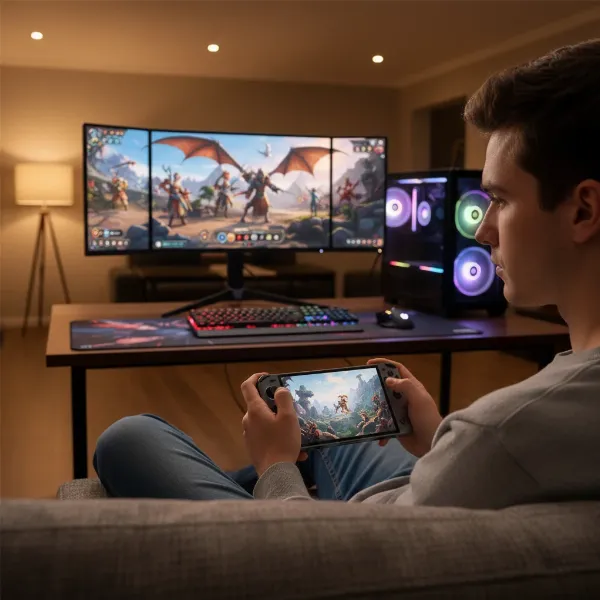
The world of gaming has dramatically shifted, putting powerful experiences right into the palm of your hand. From dedicated retro machines to high-performance devices capable of running the latest AAA titles, handheld game consoles have never been more diverse or compelling. This guide cuts through the noise, offering an in-depth look at what defines these portable powerhouses, why you might want one, and how to pick the perfect system to match your gaming style and budget.
What is a Handheld Game Console?
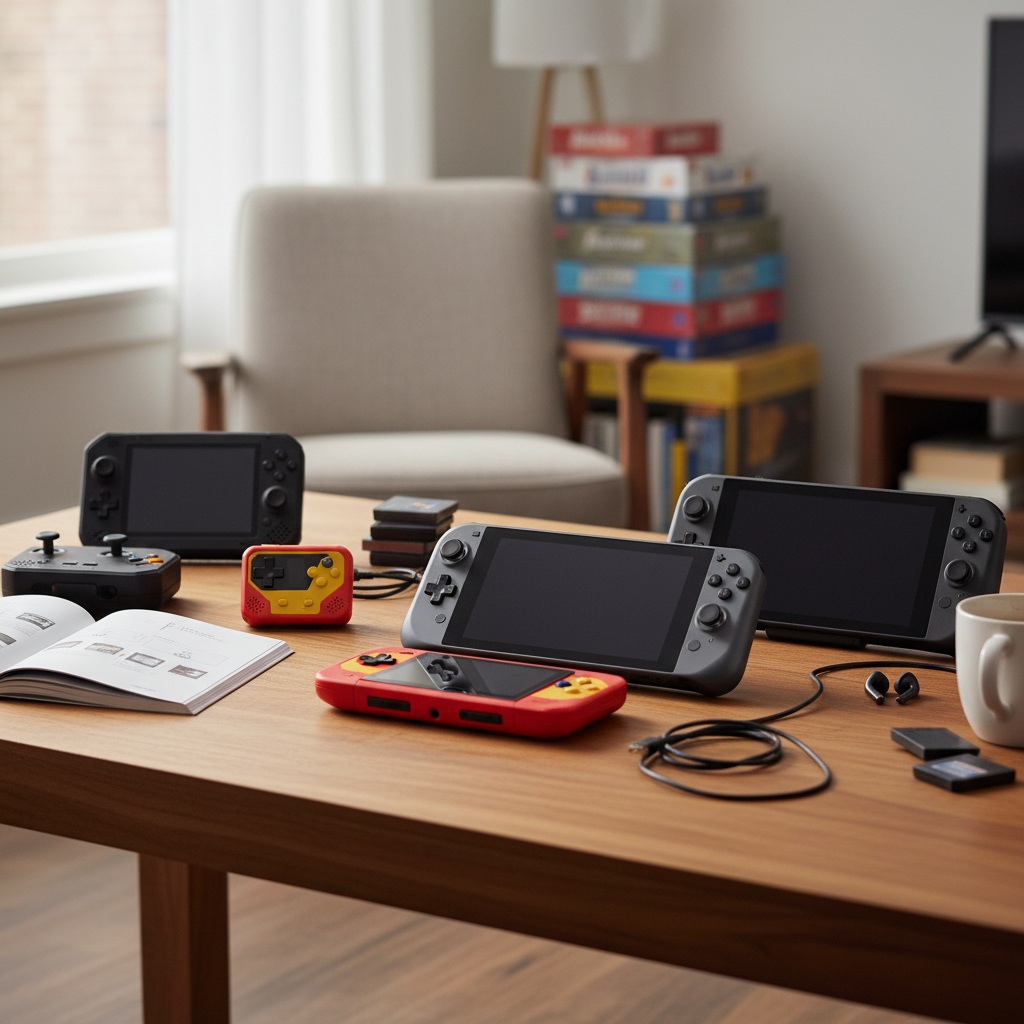
A handheld game console is a portable electronic device designed primarily for playing video games. Unlike smartphones or tablets that offer gaming as one among many functions, handheld consoles are built from the ground up to deliver a focused and optimized gaming experience. Their history dates back decades, evolving from simple monochromatic screens to vibrant, high-definition displays and ergonomic controls that make extended play comfortable.
The key differentiator from general-purpose mobile devices lies in their dedicated controls, such as physical buttons, joysticks, and D-pads, which provide a level of precision and tactile feedback often missing from touchscreen-only gaming. This specialized design ensures that games are played as intended, without compromise.
Why Choose a Handheld Game Console?
Handheld consoles offer a unique blend of convenience and immersion that appeals to a wide range of gamers. Understanding their advantages and disadvantages is crucial in deciding if one is right for you.
Advantages:
- Portability and Convenience: The most obvious benefit is the ability to play high-quality games anywhere – during commutes, while traveling, or simply relaxing in a different room of your home. They are designed for on-the-go entertainment.
- Dedicated Gaming Experience: Unlike multitasking smartphones, handheld consoles offer a distraction-free environment. Their hardware and software are optimized for gaming, ensuring smoother performance and dedicated controls that enhance gameplay.
- Exclusive Game Libraries: Platforms like the Nintendo Switch boast a rich catalog of first-party exclusive titles that cannot be played anywhere else, offering unique experiences and beloved franchises.
- Versatility: Many modern handhelds can connect to a TV via a dock, transforming into a home console for a big-screen experience, or even run as full-fledged portable PCs, broadening their utility beyond just gaming.
|
Our Picks for the Best Handheld game console in 2026
As an Amazon Associate I earn from qualifying purchases.
|
||
| Num | Product | Action |
|---|---|---|
| 1 | R36MAX Handheld Game Console - 4.0-Inch Screen, Support 22000+Classic Games,128G TF Card,Portable Console with Open Source System,4000mAh Battery,Birthday Gift for Adult or Partner - Black |

|
| 2 | R36MAX Retro Handheld Game Console, 4.0 Inch 720x720 IPS Screen, 64GB Built-in 18,000+ Classic Game, Portable Hand Held Open Source Linux System, 4000mAh Battery Retro Gaming Console(Black 64GB) |
|
| 3 | Handheld Game for Kids -Preloaded 220 Retro Video Games, Portable Gaming Player with Rechargeable Battery 3.0" LCD Screen, Mini Arcade Electronic Toy Gifts for Boys Girls (Blue) |
|
| 4 | Handheld Game for Kids -Preloaded 220 Retro Video Games, Portable Gaming Player with Rechargeable Battery 3.0" LCD Screen, Mini Arcade Electronic Toy Gifts for Boys Girls (Red) |
|
| 5 | ASUS ROG Xbox Ally – 7” 1080p 120Hz Touchscreen Gaming Handheld, 3-month Xbox Game Pass Premium included, AMD Ryzen Z2 A, 16GB RAM, 512GB SSD, White |
|
| 6 | RG56PRO Retro Handheld Game Console - 5.5 Inch IPS Screen,31000+ Classic 3D Games,5000mAh Battery, Open Linux System,Portable Console with 128G TF Card - Birthday Gift for Boyfriend (Black) |
|
| 7 | 32 Bit Handheld Games for Kids Preloaded 139 Video Games, Portable Video Gaming Player with 3.0" IPS Screen and Rechargeable Battery, Mini Travel Games Electronic Gifts Toys for Boys Girls, Blue |
|
| 8 | R36MAX Retro Handheld Game Console, 4.0 Inch 720x720 IPS Screen, 64GB Built-in 18,000+ Classic Game, Portable Hand Held Open Source Linux System, 4000mAh Battery Retro Gaming Console(White 64GB) |
|
| 9 | R36MAX Retro Handheld Game Console, 4.0 Inch IPS HD Screen Portable Retro Gaming Console, 1.5GHz CPU Support 30+ Emulator Console Video Game Console, 4000mAh Battery (64GB Black) |
|
| 10 | Retro Handheld Game Console of Boy Portable Hand Held Video Games X9 Preloaded Wireless Juegos para Niños Stick TV Pixel Gaming for Kids Sf3000 Plug 'n' Play Drive Systems De Juegos Portátil |
|
Disadvantages:
- Potentially Higher Price: High-performance handheld gaming PCs can be significantly more expensive than traditional consoles or even some entry-level gaming laptops, especially for models designed to run AAA games.
- Limited Performance vs. PC/Console: While powerful, handhelds generally cannot match the raw graphical fidelity and processing power of a high-end desktop gaming PC. This means some demanding games may run at lower settings or frame rates.
- Battery Life Concerns: Intensive gaming sessions can quickly drain a handheld’s battery, often requiring frequent charging or the use of external power banks, limiting untethered playtime.
Popular Handheld Game Console Types
The market for handheld game consoles is vibrant, with several key players offering distinct experiences.
Nintendo Switch
The Nintendo Switch remains a dominant force, known for its innovative hybrid design.
- Advantages: Unparalleled library of exclusive first-party titles (e.g., Zelda, Mario), versatile play modes (handheld, tabletop, TV), detachable Joy-Con controllers for multiplayer. The OLED model boasts a stunning display and improved battery life.
- Disadvantages: Aging hardware can struggle with graphically intensive third-party titles, limited internal storage, Joy-Con drift issues have been reported.
- Versions: The Nintendo Switch OLED offers a vibrant 7-inch OLED screen, enhanced audio, and a sturdier kickstand. The Nintendo Switch Lite is a smaller, lighter, handheld-only version, ideal for portability. The original Nintendo Switch balances both worlds.
Steam Deck
Valve’s entry into the handheld market has revolutionized portable PC gaming.
- Advantages: Access to a massive Steam library, ability to play many PC games, highly customizable Linux-based SteamOS, comfortable ergonomics for its size. The OLED model significantly upgrades the screen and battery.
- Disadvantages: Larger and heavier than a Switch, some games require tinkering to run perfectly on SteamOS, LCD screen on original model less vibrant than rivals.
- Comparison with Nintendo Switch: The Steam Deck offers superior raw performance for demanding titles and a vast PC game library, while the Switch excels in exclusive titles and overall portability.
AYANEO
AYANEO is a prominent brand in the Windows handheld PC space, known for premium builds and powerful specs.
- Advantages: Often features high-resolution AMOLED screens, powerful AMD Ryzen processors, capable of running Windows, offering broad game compatibility and versatility. Devices like the AYANEO Air 1S offer impressive power in a compact form factor.
- Disadvantages: Typically more expensive than the Switch or Steam Deck, battery life can be short when running demanding games at high Thermal Design Power (TDP), Windows environment on a small screen can be cumbersome.
- Target Audience: Gamers who prioritize raw performance, a premium feel, and access to the full Windows ecosystem, willing to invest more for a high-end portable PC gaming experience.
Other Choices:
- ASUS ROG Ally (X): A strong contender with powerful AMD Ryzen Z1 Extreme processors, offering excellent performance for AAA games, a high-refresh-rate display, and a larger battery in its ‘X’ iteration. It runs Windows, providing broad game compatibility.
- Lenovo Legion Go (S/2): Features a large, high-resolution screen (often 8.8 inches) and detachable controllers, providing a unique blend of handheld and mini-tablet PC functionality. The Legion Go S with SteamOS is praised for its user-friendly interface.
- Retro Handhelds (e.g., Anbernic, Retroid Pocket, Miyoo Mini, Analog Pocket): These devices cater specifically to emulation enthusiasts. Models like the Anbernic RG Cube and Retroid Pocket Mini are popular for their ability to play classics from NES, SNES, PS1, N64, and even PS2, often at budget-friendly prices. The Analog Pocket is highly regarded for its ability to play original Game Boy cartridges with a stunning display.
Comparing Handheld Game Consoles
Choosing a handheld involves weighing various technical aspects against your preferences. Here’s a comparison of some popular high-performance models:
| Feature | Nintendo Switch OLED | Steam Deck OLED | ASUS ROG Ally X | Lenovo Legion Go 2 | AYANEO Air 1S |
|---|---|---|---|---|---|
| CPU | Custom NVIDIA Tegra X1 | Custom AMD Zen 2 (4c/8t) | AMD Ryzen Z1 Extreme | AMD Ryzen Z1 Extreme | AMD Ryzen 7 7840U (Zen 4) |
| GPU | Custom NVIDIA Maxwell | Custom AMD RDNA 2 (8 CUs) | AMD RDNA 3 (12 CUs) | AMD RDNA 3 (12 CUs) | AMD Radeon 780M (RDNA 3) |
| RAM | 4GB LPDDR4 | 16GB LPDDR5 | 32GB LPDDR5 | 32GB LPDDR5 | 16GB/32GB LPDDR5X |
| Storage | 64GB eMMC (expandable via microSD) | 512GB/1TB NVMe SSD (expandable via microSD) | 1TB NVMe SSD (expandable via microSD) | 1TB NVMe SSD (expandable via microSD) | 512GB/1TB/2TB PCIe 4.0 SSD |
| Screen | 7-inch OLED, 720p | 7.4-inch OLED, 1280×800, 90/120Hz | 7-inch IPS, 1080p, 120Hz VRR | 8.8-inch IPS, 2560×1600, 144Hz | 5.5-inch AMOLED, 1080p |
| Battery | 4310 mAh (approx. 4.5-9 hrs) | 50 Whr (approx. 3-12 hrs) | 80 Whr (approx. 3-8 hrs) | 49.2 Whr (approx. 2-6 hrs) | 38 Whr (approx. 1-3 hrs for demanding games) |
| Operating System | NintendoOS | SteamOS (Linux-based) | Windows 11 | Windows 11 (or SteamOS for S model) | Windows 11 |
| Price (approx.) | $349 | $449 – $649 | $799 – $999 | $699 – $799 | $799 – $1299 (varies by config) |
Buying Guide: How to Choose the Right Handheld Game Console
Selecting your ideal handheld console requires careful consideration of your gaming habits and priorities.
Identify Your Needs:
- What Games Do You Want to Play?
- AAA PC Titles: Look for powerful Windows handhelds like the ROG Ally X, Legion Go, or AYANEO.
- Nintendo Exclusives: The Nintendo Switch is your only option.
- Indie Games/Steam Library: Steam Deck is an excellent choice.
- Retro Emulation: Dedicated retro handhelds from Anbernic, Retroid Pocket, or Miyoo Mini offer great value.
- What Level of Performance Do You Need?
- For cutting-edge graphics and high frame rates, PC handhelds are superior.
- For a balanced experience with good exclusive games, the Switch suffices.
- For older titles, budget retro handhelds are perfect.
- How Important is Portability?
- Smaller devices like the Switch Lite or certain retro handhelds are most pocketable.
- Larger PC handhelds offer bigger screens and more power but are less discreet.
- What is Your Budget?
- Prices range from under $100 for basic retro emulators to over $1000 for top-tier Windows handheld PCs.
Factors to Consider:
- Performance (CPU, GPU, RAM): Directly impacts game compatibility, frame rates, and graphical settings. More demanding games require more powerful components.
- Screen:
- Size: Larger screens enhance immersion but reduce portability.
- Resolution: Higher resolution (1080p or above) provides sharper images.
- Refresh Rate: Higher refresh rates (e.g., 120Hz, 144Hz) offer smoother visuals, especially important for fast-paced games. OLED screens provide superior contrast and color.
- Battery Life: Check estimated playtime for demanding games versus lighter tasks. This is a critical factor for gaming on the go.
- Game Library & Ecosystem: Consider the availability of games you want to play and the digital storefronts (Steam, eShop, Xbox Game Pass, Windows store) each device supports.
- Operating System: Nintendo Switch runs its own OS. Steam Deck uses SteamOS (Linux-based). Many other powerful handhelds run Windows, offering broad PC game compatibility but can be less optimized for a handheld interface.
- Price: Compare the cost of the device itself with any necessary accessories or games.
Advice for Different Users:
- For the Casual Gamer: A Nintendo Switch (especially the OLED model for its display) or a more affordable retro handheld could be ideal, offering ease of use and a great game selection.
- For the Hardcore PC Gamer: The ASUS ROG Ally X, Lenovo Legion Go 2, or a high-end AYANEO device will deliver the performance needed for modern AAA titles.
- For the Retro Enthusiast: Dedicated retro handhelds from Anbernic, Retroid Pocket, or the Analog Pocket offer excellent emulation capabilities and a nostalgic experience.
- For Value Seekers: The Steam Deck OLED offers a compelling balance of performance, game library, and price, making it a strong contender for many.
Top Picks: Best Handheld Game Consoles Today
The handheld market is dynamic, but some devices consistently stand out for their overall excellence.
- Best Overall Performance: The ASUS ROG Ally X is a beast, offering top-tier performance for current-gen AAA games thanks to its powerful AMD Z1 Extreme chip and ample RAM. Its robust battery and VRR display make for a fantastic experience.
- Best Hybrid Experience & Exclusives: The Nintendo Switch OLED remains king for its unique versatility and unparalleled library of first-party titles, now with a stunning display.
- Best Value for PC Gaming: The Steam Deck OLED delivers an exceptional portable PC gaming experience with a gorgeous OLED screen and access to your entire Steam library, all at a competitive price.
- Best for Retro Enthusiasts: The Anbernic RG Cube strikes a great balance, capable of emulating a wide range of retro systems with solid build quality. For premium retro play, the Analog Pocket is unmatched for cartridge-based gaming.
- Most Innovative: The Lenovo Legion Go 2 stands out with its expansive screen and detachable controllers, offering a tablet-like experience that can be incredibly versatile for both gaming and content consumption.
Tips and Tricks for Using Your Handheld Game Console
Maximizing your handheld experience goes beyond just picking the right device. A few smart adjustments can significantly enhance performance and battery life.
Optimize Performance and Battery Life:
- Adjust Screen Brightness: The screen is often the biggest power drain. Lowering brightness to a comfortable level or enabling auto-brightness can extend playtime.
- Utilize Power-Saving Modes: Most handhelds offer performance profiles. Selecting a balanced or power-saving mode reduces strain on the CPU/GPU and conserves battery.
- Enable Airplane Mode (When Offline): If you’re playing offline, turning on Airplane Mode shuts down Wi-Fi and Bluetooth signals, saving considerable power.
- Close Unused Apps: Background applications consume CPU resources and drain power. Ensure only the necessary applications are running.
- Lower Volume or Use Wired Headphones: Speakers and wireless audio use more power. Opting for wired headphones or reducing volume can help.
- Turn Off Vibration/Haptic Feedback: While immersive, haptic feedback costs power. Disabling it can provide extra playtime.
- Keep Your Device Cool: Heat is detrimental to battery efficiency. Avoid playing in hot environments and ensure vents are clear.
- Smart Charging Practices: Avoid constantly charging to 100% or fully draining the battery. Aim to keep the charge between 20-80% for long-term battery health. For devices that sit docked, some offer settings to cap charging at around 90%.
Game Management:
- External Storage: Invest in a high-speed microSD card, especially for consoles like the Switch or Steam Deck, to expand your game library.
- Game Installation: Understand each platform’s process for downloading, installing, and managing games. For PC handhelds, this might involve multiple launchers.
Connectivity:
- Connect to TV: Many modern handhelds support docking to a TV for a larger screen experience, often requiring a separate dock or USB-C hub.
- External Peripherals: Connect external controllers, keyboards, or mice via Bluetooth or USB for enhanced versatility, especially on Windows-based handhelds.
Troubleshooting:
- Firmware Updates: Regularly check for system and controller firmware updates, as they often include battery efficiency improvements and bug fixes.
- Restart Device: A simple restart can often resolve minor performance glitches or unusual battery drain.
Handheld Game Console Accessories
Enhance your gaming experience with the right accessories.
- Protective Cases: Essential for safeguarding your portable device from drops and scratches.
- Screen Protectors: Prevents scratches on the display, crucial for touchscreen devices.
- MicroSD Cards: Expand your storage for more games, especially vital for digital-heavy users.
- Docks: For devices like the Steam Deck or Switch, a dock allows connection to a TV, external displays, and peripherals.
- Power Banks/Portable Chargers: Extends playtime significantly, a must-have for long journeys.
- Wired/Wireless Headphones: For immersive audio without disturbing others, and wired options often conserve battery.
- External Controllers: Some prefer the feel of a full-sized controller, especially when docked or for specific game genres.
“The true magic of handheld gaming lies in its ability to adapt to your life, not the other way around. Whether you have 15 minutes or several hours, the perfect handheld waits to be discovered.”
Conclusion
Handheld game consoles have evolved into sophisticated devices, offering an incredible range of gaming experiences from nostalgic retro titles to demanding modern blockbusters. From the versatile Nintendo Switch to the powerful Steam Deck and the high-end Windows handheld PCs, there’s a portable system tailored for every gamer’s needs and preferences. By considering factors like performance, portability, game library, and budget, you can confidently choose the handheld that will unlock countless hours of enjoyment on the go.
What kind of adventures will you embark on with your next handheld companion?
Frequently Asked Questions
What is the main difference between a handheld console and a gaming phone?
Handheld consoles feature dedicated physical controls and are optimized purely for gaming, offering a more tactile and immersive experience, whereas gaming phones integrate gaming with other smartphone functionalities and primarily rely on touchscreens.
Can handheld gaming PCs run all PC games?
While handheld gaming PCs (like the Steam Deck or ROG Ally X) can run a vast majority of PC games, performance varies depending on the game’s demands and the handheld’s specifications. Some very graphically intensive titles might require lower settings for smooth gameplay.
How important is screen quality on a handheld console?
Screen quality, including size, resolution, and panel type (LCD vs. OLED), significantly impacts the visual experience. An OLED screen offers deeper blacks and more vibrant colors, enhancing immersion, especially in games with rich visuals.
Is battery life a major concern for modern handhelds?
Battery life can be a concern, especially when playing demanding games at high performance settings. Most modern handhelds offer between 2-8 hours of intensive gameplay, with some reaching up to 12 hours for lighter titles or with an OLED screen’s efficiency.
What are “retro handhelds” and who are they for?
Retro handhelds are devices primarily designed to emulate classic video game consoles and arcades. They are ideal for enthusiasts who want to revisit games from systems like NES, SNES, PlayStation 1, or Game Boy Advance on a portable device.
Can I connect a handheld game console to a TV?
Many handheld game consoles, including the Nintendo Switch, Steam Deck, and Windows-based handheld PCs, can be connected to a TV using a compatible dock or USB-C to HDMI adapter, allowing you to play on a larger screen.
How can I extend the lifespan of my handheld console’s battery?
To extend battery life, adjust screen brightness, use power-saving modes, enable Airplane Mode when offline, close background apps, and avoid constant charging to 100% or draining to 0%. Keeping the device cool also helps.